Patient upload history
The patient upload history page gives you a full record of every CSV file that you and your team has uploaded to RAVS.
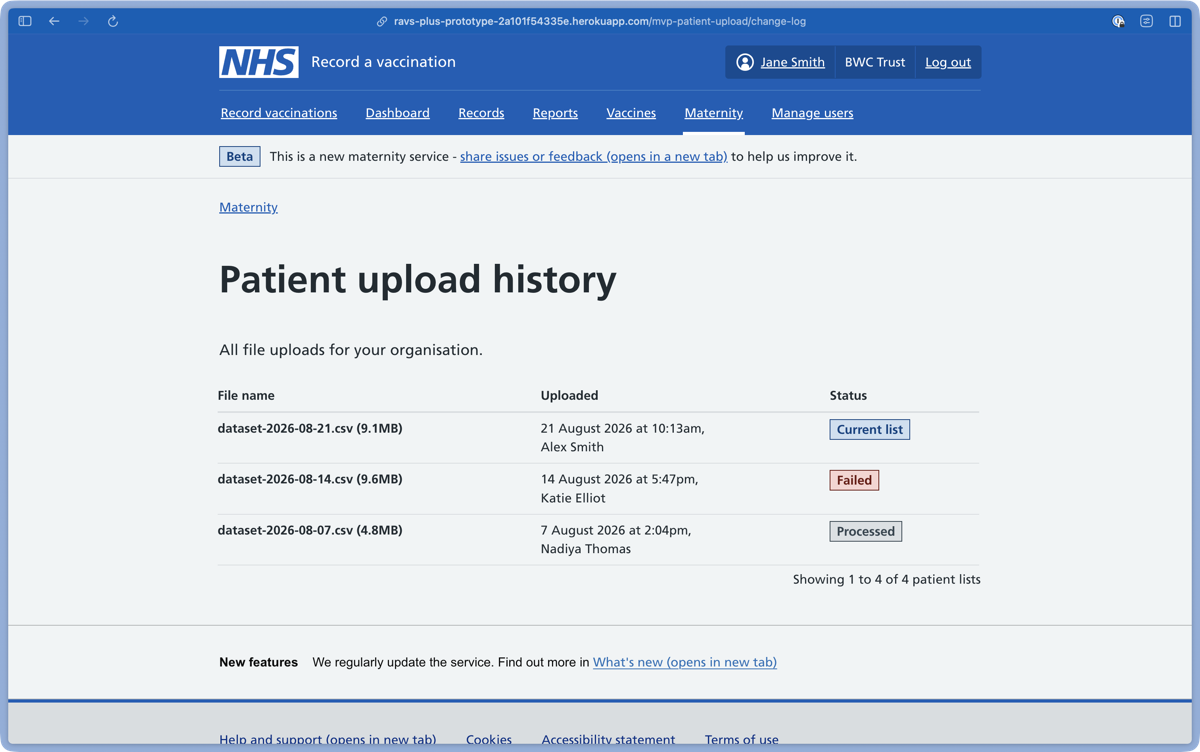
Your upload history helps you keep track of your patient lists and plan a regular upload routine.
Each CSV file has 1 of 4 status tags:
- Current file – your current list of patients
- Processed – a previous list of patients that has been replaced
- Processing – a CSV file currently being checked and matched
- Failed – a CSV file that did not successfully upload
You can also see a file’s name, the date and time it was uploaded, and who in your team uploaded it.